

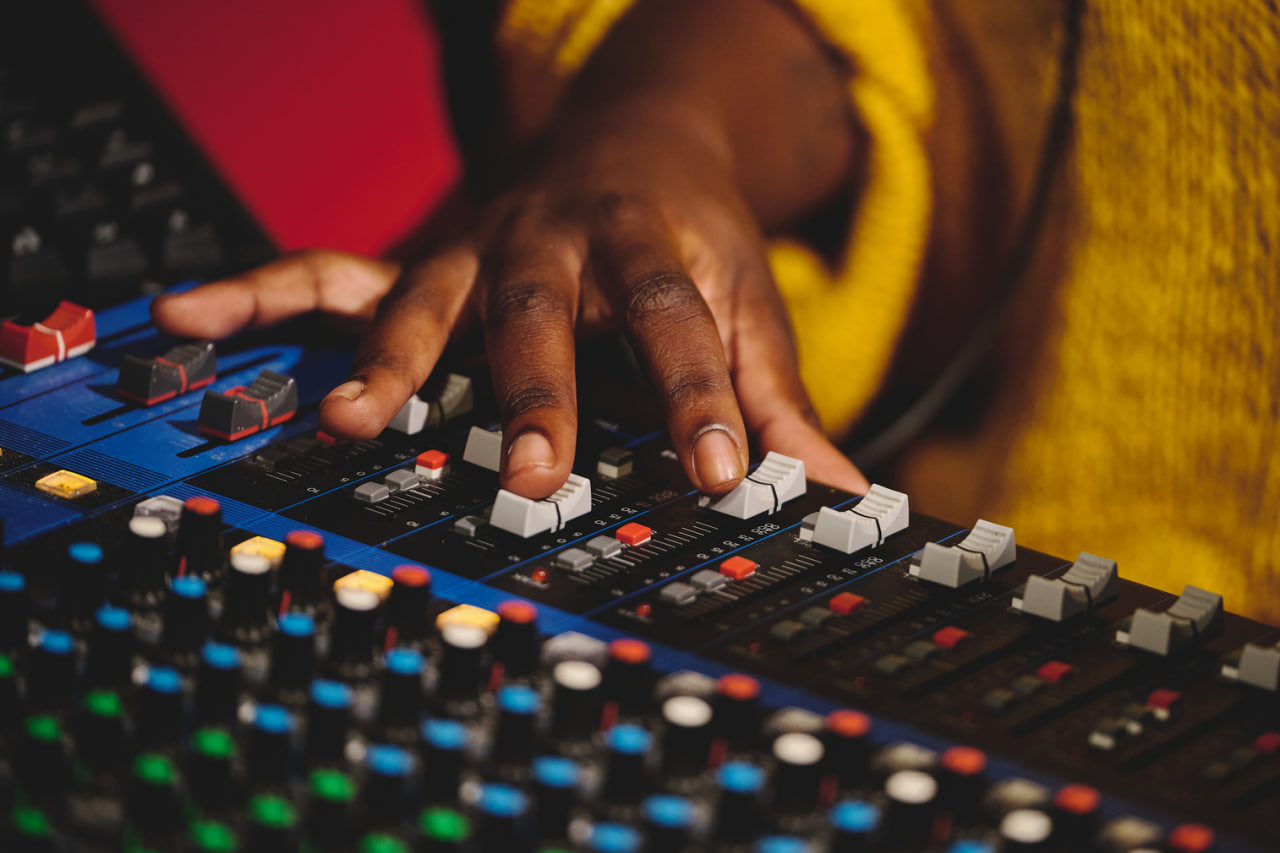
In modern music production, effects and sound design are not just tools—they are essential elements that define the character and emotion of a track. While mixing ensures clarity and balance, creative effects and sound design add personality, depth, and unique identity to your music. When used thoughtfully, they can turn a technically correct mix into a memorable and engaging listening experience.
Understanding how to apply effects, manipulate sound, and experiment with textures is crucial for any producer or engineer looking to elevate their work. Mastering these techniques allows you to create sonic landscapes that are both polished and expressive.
Understanding the Role of Effects
Effects serve multiple purposes in a mix. They can enhance clarity, create space, manipulate dynamics, and add artistic flair. Using effects creatively goes beyond correcting flaws—it’s about shaping the listener’s experience.
Some of the most common categories include:
Time-Based Effects – Reverb and delay, which simulate space and echo.
Modulation Effects – Chorus, flanger, and phaser, which add movement and texture.
Dynamic Effects – Compression, gating, and transient shaping, which control volume and punch.
Pitch and Harmonic Effects – Pitch shifting, harmonizers, distortion, and saturation, which alter tone and timbre.
Each effect has a technical function, but creative application can transform a simple sound into something expressive and original.
Reverb: Creating Space and Atmosphere
Reverb is one of the most powerful tools for adding depth and dimension. It simulates the reflections of sound in a physical space, giving instruments and vocals a sense of environment.
Short Reverb – Adds subtle presence without overwhelming the sound. Ideal for intimate vocals or percussion.
Long Reverb – Creates an expansive, ambient effect suitable for pads, guitars, or cinematic textures.
Pre-Delay – Separates the initial sound from the reverb tail, preserving clarity while adding space.
Experimenting with reverb types, room sizes, and decay times allows you to craft a sonic environment that enhances emotional impact.
Delay: Enhancing Rhythm and Texture
Delay repeats the original signal after a set time, creating echoes that can be rhythmic or atmospheric.
Short Delays – Thickens instruments and creates a sense of width.
Long Delays – Add rhythmic complexity or a sense of spaciousness.
Feedback Control – Determines the number of repetitions, allowing for subtle shimmer or cascading echoes.
Delays can be synced to tempo, creating intricate rhythmic layers that interact with other elements in the mix.
Modulation Effects: Adding Movement
Chorus, flanger, and phaser effects modulate the pitch or phase of a sound, producing motion and texture.
Chorus – Doubles the sound and slightly detunes it, creating richness and warmth.
Flanger – Produces sweeping, jet-like effects for dramatic motion.
Phaser – Adds subtle tonal shifting, perfect for evolving pads or guitars.
Modulation effects can transform static elements into dynamic and engaging parts of the mix, adding personality without sacrificing clarity.
Distortion and Saturation: Color and Harmonics
Distortion and saturation introduce harmonic content, warmth, or grit to a sound. These effects can make digital recordings feel more organic or add edge to instruments.
Subtle Saturation – Adds warmth and presence, enhancing clarity and tonal richness.
Overdrive or Distortion – Creates aggressive, cutting tones ideal for guitars, synths, or creative sound design.
Parallel Processing – Blending distorted and clean signals preserves clarity while adding character.
These effects are particularly effective when used tastefully, allowing the original performance to shine while contributing sonic color.
Creative Sound Design Techniques
Beyond standard effects, sound design involves shaping audio with unconventional methods to produce unique textures and identities. Techniques include:
Resampling and Layering – Recording sounds, manipulating them, and layering them to create new textures.
Granular Synthesis – Breaking audio into tiny grains and reorganizing them for ethereal or glitchy effects.
Automation of Effects – Modulating parameters like filter cutoff, reverb size, or delay feedback over time to add evolving movement.
Field Recording Integration – Incorporating environmental sounds to add realism or abstract textures.
Sound design allows your mix to tell a story and convey emotion in ways that static recordings cannot.
Automation: Bringing Effects to Life
Automation is key to making effects dynamic rather than static. By automating volume, panning, reverb, delay, or modulation parameters, a track can evolve and respond to musical moments.
Subtle automation can enhance natural dynamics.
Bold automation can create dramatic transitions or surprise elements.
Layered automation adds complexity, making the track feel alive and engaging.
Automation ensures that creative effects serve the music rather than overwhelm it.
Combining Effects for Unique Signatures
The most memorable mixes often use multiple effects in combination. For example, a vocal track might feature a short reverb for presence, a rhythmic delay for motion, and gentle saturation for warmth. Similarly, a synth pad could blend chorus, flanger, and reverb to create an evolving, immersive texture.
Experimenting with effect chains encourages innovation and helps develop a unique sonic signature.
Practical Workflow Tips
Start Simple – Apply effects gradually, focusing on enhancing the natural character of the sound.
Listen in Context – Always assess effects within the full mix, not in solo, to ensure cohesion.
Use Reference Tracks – Compare your creative effects and textures to professional productions for balance.
Document Settings – Keep notes or presets of successful combinations for consistency and future projects.
Experiment Fearlessly – Some of the most distinctive sounds come from unconventional effect applications.